
How to Choose the Right Email Marketing Service for Your App-Based Business
Launching an app is only the beginning of building a successful digital business. Once people install your product, the more difficult work starts: helping them understand its value, encouraging regular use, reducing churn and improving the experience based on real user needs.
Analytics can show what users do inside an app. They can reveal which screens people visit, which features they ignore and where they abandon a process. However, behavioral data rarely explains why something happened. A user may stop during onboarding because the instructions are unclear, the app feels too complicated, a required feature is missing or the subscription price seems too high.
This is where surveys and structured feedback become valuable.
A well-timed survey can help an app-based business understand user expectations, measure satisfaction, identify usability problems and prioritize future development. Email can be one of the channels used to distribute those surveys, but it is important to distinguish between an email marketing platform and a survey platform.
Email marketing services are primarily designed to send newsletters, automated campaigns, promotions and transactional messages. Survey platforms are designed to create questions, collect responses and analyze feedback. In many businesses, the two types of tools work together rather than replace one another.
This guide explains what app owners should look for in a survey and feedback platform. It also compares SurveyNinja and SurveyMonkey, two tools aimed at organizations with different levels of complexity, resources and research requirements.
Why Email Marketing Matters for App-Based Businesses
App teams have access to more behavioral data than most traditional businesses. They can monitor downloads, registrations, sessions, purchases, feature adoption and subscription renewals.
However, analytics alone provides an incomplete picture.
Imagine that 35% of users abandon the app during account setup. Analytics identifies the screen where the problem occurs, but it does not reveal whether users are confused by the instructions, concerned about privacy, unwilling to provide payment information or simply unable to find the correct button.
A short survey can supply the missing context.
Feedback can support several important areas of an app-based business.
Key Factors When Choosing an Email Marketing Service
Not all email marketing platforms are created equal. Before we dive into specific tools, let’s outline the main factors you should consider:
1. Integration with Your App
The service should integrate smoothly with your app’s backend, whether through APIs, SDKs or third-party connectors. For example, if a user completes a specific action in your app (like upgrading a plan), your email system should automatically trigger a personalized message.
2. Automation Capabilities
Look for platforms that support event-driven automation. Examples include:
- Welcome emails when someone signs up.
- Re-engagement emails when users haven’t logged in for a while.
- Transactional emails confirming purchases or renewals.
Automation saves time while ensuring your messaging is timely and relevant.
3. Segmentation and Personalization
Generic newsletters don’t cut it anymore. The right platform should allow you to segment your users by behavior, demographics or preferences – and deliver personalized content.
4. Analytics and Reporting
You need insights into open rates, click-through rates (CTR), conversions and unsubscribe patterns. Good analytics help refine your campaigns and maximize ROI.
5. Scalability and Pricing
If you’re starting small, you may only need a free or low-cost plan. But as your app scales, your email needs will grow. Choose a service that can scale without shocking increases in cost.
6. Compliance and Security
With regulations like GDPR and CCPA, compliance is crucial. Look for platforms that support secure data handling and provide built-in compliance tools.
For inspiration, you can explore comparison overviews like this guide to survey and form tools, which breaks down strengths and weaknesses across dozens of providers.
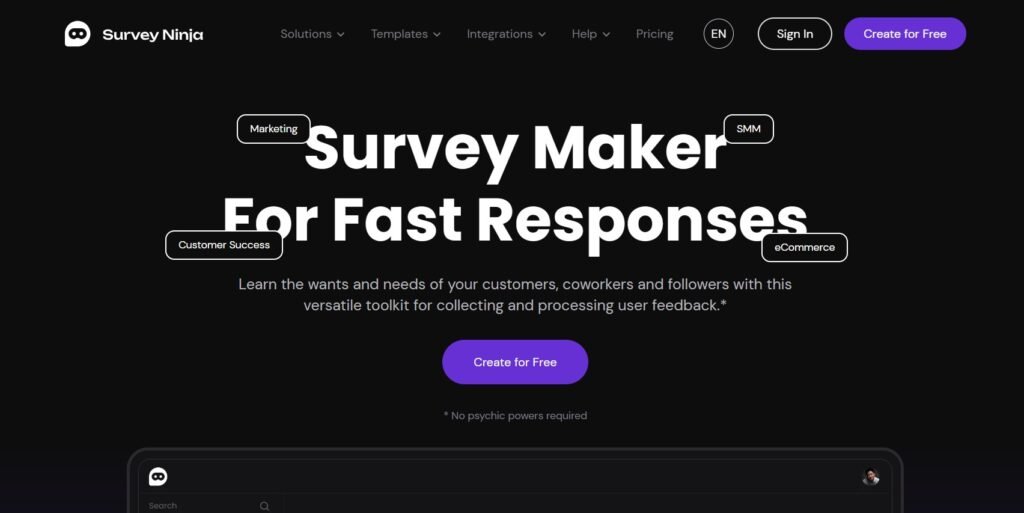
SurveyNinja is designed for businesses that want to create and launch surveys without introducing unnecessary complexity.
Its interface is aimed at users who may not have formal research or technical experience. Teams can build questionnaires from scratch or begin with templates and then customize the questions, logic and appearance.
Strengths of SurveyNinja
Accessible survey builder
The platform is suitable for founders, marketers, product managers and other team members who need to launch surveys without learning a complicated enterprise system.
A simpler interface can be especially valuable for small app companies where one person may be responsible for product research, marketing and customer communication.
Conditional logic
Logic jumps help create different survey paths based on a respondent’s answers. This allows the business to ask more relevant follow-up questions without making every participant complete a long questionnaire.
Useful range of question types
SurveyNinja provides more than 14 question types, supporting common research formats such as ratings, multiple-choice questions and open responses.
Built-in reporting
Results can be reviewed through visual summaries and charts. Data can also be exported when the team needs to combine survey responses with product, sales or support information.
Flexible publishing
Surveys can be distributed through links, embedded on a website or connected to other workflows. Custom domains, integrations, API access and webhooks are available for teams that need a more connected feedback process.
Suitable for continuous feedback
SurveyNinja can be used for onboarding questionnaires, customer satisfaction measurement, feature research, event feedback and NPS or CSAT programs. Its combination of templates, logic, dashboards and alerts makes it useful for ongoing feedback rather than only one-time research projects.
Limitations of SurveyNinja
- Fewer Enterprise Features: While great for startups, it may lack some advanced segmentation and analytics features that larger corporations require.
- Smaller Integration Ecosystem: Compared to industry giants, its library of third-party integrations is still growing.
Best Fit for…
SurveyNinja is ideal if you’re a lean app business that needs a simple, cost-effective way to build engagement through email and surveys without overcomplicating your workflow.
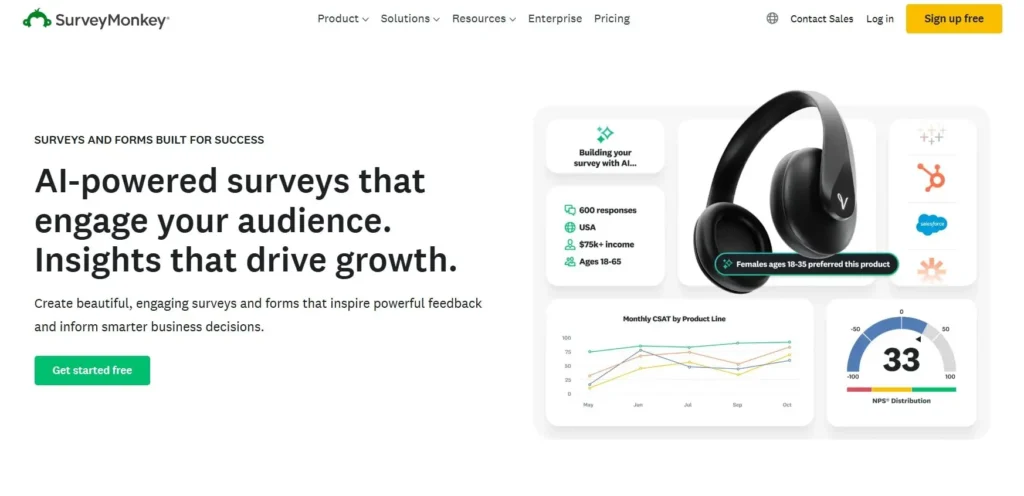
SurveyMonkey is one of the most established names in online surveys. It supports a wide variety of use cases, from simple questionnaires to structured customer experience and enterprise research programs.
Its broad distribution options and integration ecosystem make it suitable for organizations that collect feedback across several channels, teams or markets.
Strengths of SurveyMonkey
Multiple collection channels
SurveyMonkey supports email invitations, links, QR codes, website embeds, text messages, kiosk collection and mobile app surveys. This gives businesses flexibility when different user groups prefer different channels.
Tracked email invitations
The email invitation collector lets teams upload contacts, personalize invitations, track participation and send reminders or thank-you messages.
For supported question types, the first survey question can also be placed directly inside an email invitation. Respondents who select an answer are taken to the full survey to continue. Supported formats include multiple choice, NPS and star ratings.
Integration opportunities
SurveyMonkey can connect with CRM, analytics and business applications. This can be valuable for larger organizations that want to combine feedback with operational customer data.
Suitable for advanced programs
Large teams may need to manage several surveys, respondent groups and research projects simultaneously. SurveyMonkey is built to accommodate more sophisticated survey operations and enterprise workflows.
Scalability
The platform can support organizations collecting feedback across multiple departments, products or geographic regions. Its range of collectors makes it useful when surveys must be delivered through more than one channel.
Limitations of SurveyMonkey
- Pricing: Costs can climb quickly as you add features or increase the number of responses.
- Learning Curve: More features mean more time required to master the platform.
Best Fit for…
SurveyMonkey is a strong choice for mid-sized to large businesses that require advanced analytics, enterprise-level integrations and more sophisticated reporting.
Community discussions often confirm this divide: in a recent Reddit UXResearch thread, smaller teams leaned toward simpler solutions, while enterprise professionals favored SurveyMonkey’s depth.
SurveyNinja vs SurveyMonkey: A Direct Comparison
Feature | SurveyNinja | SurveyMonkey |
Ease of Use | Very beginner-friendly | More complex, requires onboarding |
Integration | Good, API + app connectors | Extensive, works with many platforms |
Surveys & Feedback | Built-in, simple to use | Advanced, customizable |
Analytics | Basic to moderate | Advanced and detailed |
Pricing | Affordable, startup-friendly | Higher, scales with features |
Best For | Startups, small businesses | Enterprises, advanced users |
Real-World Use Cases
Example 1: Startup Fitness App
A small fitness app wants to encourage users to book classes through the app. They use SurveyNinja to:
- Trigger welcome emails for new signups.
- Send weekly tips with embedded surveys to gauge user satisfaction.
- Run promotions for discounted class packages.
Because of its affordability and ease of use, SurveyNinja is the perfect fit.
Example 2: Enterprise Learning Platform
A global e-learning company uses SurveyMonkey to:
- Collect detailed feedback on courses with custom surveys.
- Analyze completion rates and segment communications by region.
- Integrate with Salesforce to align user data with broader CRM strategies.
Here, SurveyMonkey’s advanced analytics and integrations justify the higher cost.
How to Decide Which Service Fits You Best
When choosing between SurveyNinja and SurveyMonkey, consider these questions:
- What’s my current business stage?
- If you’re early-stage, simplicity and affordability matter most → SurveyNinja.
- If you’re scaling globally, you’ll need advanced features → SurveyMonkey.
- How important is analytics?
- If you just need open rates and CTR, SurveyNinja works.
- If you need deep insights into user behavior, SurveyMonkey delivers.
- What’s my budget?
- SurveyNinja offers cost-effective entry-level pricing.
- SurveyMonkey can be pricey but offers enterprise-grade functionality.
Final Thoughts and Further Resources
SurveyNinja and SurveyMonkey can both help app-based businesses understand their users, but they serve different operational needs.
SurveyNinja offers a streamlined way to create surveys, apply conditional logic, analyze responses and connect feedback with practical business workflows. It is particularly attractive for startups and growing teams that want useful functionality without a complicated research environment.
SurveyMonkey provides a broader collection ecosystem, including tracked email invitations, website surveys, QR codes, mobile app distribution, kiosks and SMS options. Its wider integration and administrative capabilities make it suitable for larger organizations and more complex feedback programs.
Neither platform should be evaluated solely as an email marketing service. Instead, consider how it will work alongside your email provider, app analytics, CRM and customer support tools.
The right choice is the platform that helps your team ask focused questions, reach users at the right moment and turn their answers into measurable improvements. Collecting more responses is not the final goal. The goal is to make better product decisions because you understand why users behave the way they do.